Get the app
Your catalogs, streams and Live TV on your computer, phone and TV. It signs in to an AIOStreams configuration, on a public instance or your own.
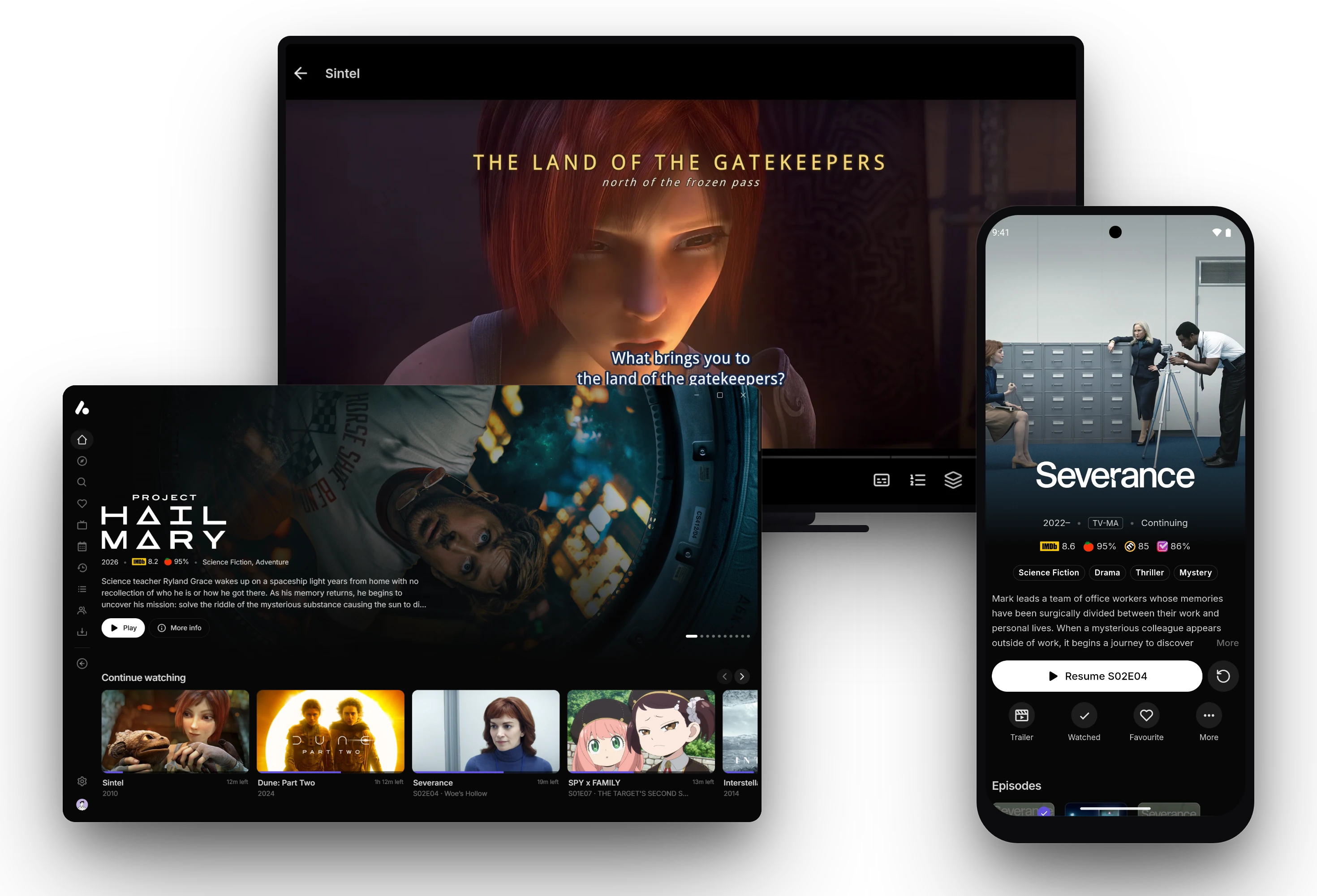
Computers
Windowsv0.23.0
Windows 10 or 11
Arm builds are for Snapdragon and other Arm PCs. The portable copy keeps everything in a folder beside it. Desktop app →
macOSv0.23.0
macOS 11 or later
Not signed by Apple yet: the first time, press Open Anyway in System Settings → Privacy & Security. Desktop app →
Linuxv0.23.0
Any distribution with Flatpak
Open it in your software centre, or run flatpak install --user with the file name. Desktop app →
Phones and tablets
Androidv0.13.0
Android 7.0 or later, WebView 109 or later
Not sure? Take arm64-v8a. Each has a code for the Downloader app. Android app →
iPhone and iPad
In Safari, or a Jellyfin app such as Infuse or Swiftfin
Every configuration is also a media server, so Jellyfin apps sign in to it. Jellyfin apps →
TVs
Android TV and Fire TVv0.13.0
Google TV, Fire TV and the NVIDIA Shield too
armeabi-v7a for Fire TV sticks and most TV boxes, arm64-v8a for the NVIDIA Shield. Type its code into the Downloader app to install without a computer. Installing on a TV →
May not run smoothly on some older or low-end TVs and sticks.
LG TVsv0.8.0Beta
webOS, with Developer Mode or the Homebrew Channel
Installed with webOS Dev Manager, or from the Homebrew Channel, which keeps it updated. Install steps →
May not run smoothly on some older or low-end TVs.
Samsung TVsv0.8.0Beta
Tizen, signed for your TV as it installs
Installed with Apps2Samsung or Tizen Studio. Install steps →
May not run smoothly on some older or low-end TVs.
Anywhere else
Any browser
Nothing to install
Press Open in browser under Save & Install → AIOStreams app. Its WebGPU engine plays HEVC, Dolby Vision and surround sound. Using a browser →
From download to watching
- 1
Make a configuration
On a public instance or your own: add your services and addons, then save it with a password.
- 2
Install the app
Every app is the same app, with the same pages and settings, made for its screen.
- 3
Sign in
Press Open in app under Save & Install, or approve a Quick Connect code on a TV. More on signing in
In Stremio instead
AIOStreams is also a Stremio addon, with nothing to download. Install it from Save & Install on the configure page.
Getting started →Have a Jellyfin server?
The apps sign in to Jellyfin servers too, so your library can sit in the same app as your configuration. Add it with Change server under Settings → Account.
Jellyfin servers →Nightly builds and older versions
Nightly builds come from every change, ahead of releases. They get fixes sooner but can break. The desktop and Android apps can switch to them in their settings.